
Checked on 25 October 2026 | Covers CGL 2026 Tier-I
Your SSC CGL Admit Card 2026 deserves the same attention as your revision notes. A prepared candidate can still face unnecessary stress after overlooking a venue address, printing an incomplete document or confusing the exam city with the examination centre. This guide helps you move from checking your login to reaching the correct gate with a clear plan.
Keep your registration details nearby and work through the steps calmly. You do not need to buy a course or share your password with anyone to check official updates. Sarkari Naukri Alert provides this independent guide; your personal admission certificate and the latest SSC instructions remain essential.
Latest Official Update: What SSC Has Confirmed
SSC’s notice dated 21 September 2026 lists the Tier-I examination window as 30 September–30 October 2026. It directs candidates to the designated login at ssc.gov.in for examination-city details. Admission certificates are tentatively available two or three days before each candidate’s examination date.
This does not mean every candidate receives a hall ticket simultaneously. Check the stage and your allotted date before comparing your dashboard with a friend’s. Read the official city and admission-certificate notice for the announcement. This article does not claim a Tier-II admit-card release.
Exam City and Hall Ticket: Use Each Correctly
Think of the city information as the starting point for travel planning. Once you know the city, compare transport options, estimate the journey and consider whether accommodation would help. Avoid assuming that a coaching centre, familiar college or previous examination venue will be your assigned centre.
Use the admission certificate for the final venue and entry instructions. Read the entire address, including building name, locality and postcode. If several institutions have similar names, compare the full details before saving a map location. A small checking habit can prevent a long detour on examination morning.
How to Check SSC CGL Exam City 2026
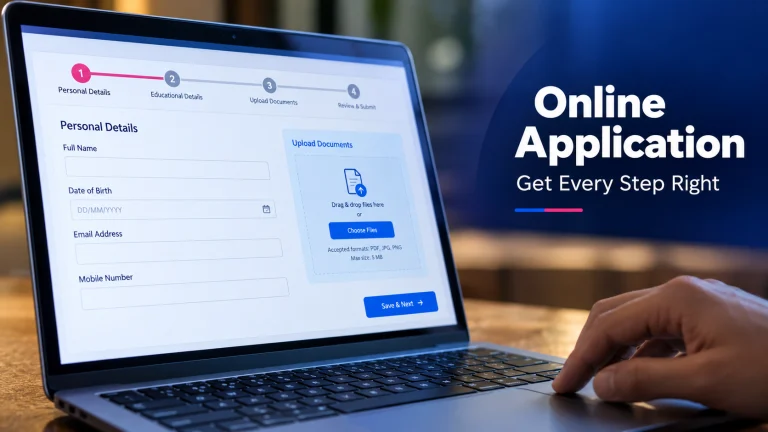
- Type ssc.gov.in into your browser and confirm the official domain.
- Open the candidate login and enter your registered credentials.
- Look for the CGL 2026 Tier-I city or examination-information option.
- Read the information attached to your own application.
- Save a private copy for planning and check the dashboard for further instructions.
Screen labels may change, so follow the options actually displayed. If you use a shared computer, decline password-saving prompts and sign out afterwards. Do not post screenshots containing registration numbers, dates of birth or other personal information in public messaging groups.
Download and Print Your Hall Ticket Carefully
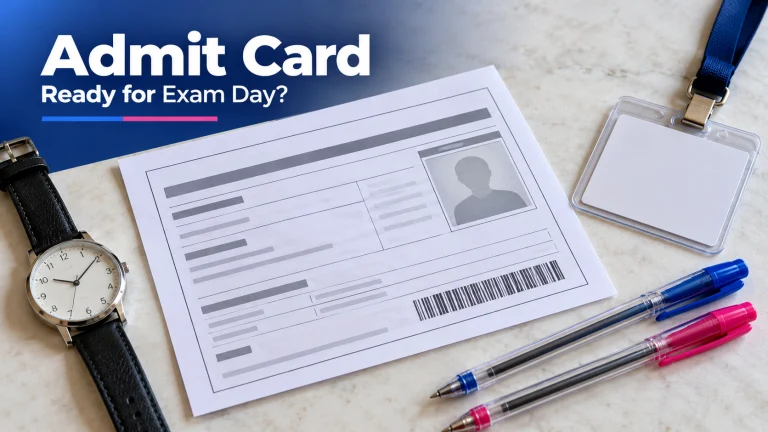
Return to the designated login when the admission certificate becomes available for your date. Open the correct examination entry and download the complete document. Save the PDF in a folder you can find easily, then open it independently to check that every page loads properly.
Print a readable copy rather than relying on a phone screenshot. Inspect the photograph, candidate particulars, venue and instructions after printing. Keep a spare copy as a practical backup. If a cybercafé helps, collect all pages and remove downloaded personal documents from the shared device when finished.
Check Details Before You Book the Journey
Compare your name, photograph and examination particulars with your application records. Next, read the date, shift, reporting time and gate-closing information separately. These entries serve different purposes; the time the paper starts should never become your planned arrival time.
If something appears wrong, contact SSC through the official channels promptly. Explain the discrepancy clearly and keep your application acknowledgement available. Do not edit a downloaded certificate yourself. For a broader revision routine while resolving practical arrangements, read our SSC preparation guide.
Documents and Aadhaar Authentication: Know Your Case
SSC requires a printed admission certificate. Under paragraph 14.7 of its 2026 examination notification, candidates without Aadhaar-based authentication must also bring two recent passport-size colour photographs and an accepted original photo ID. If the ID lacks a date of birth, an additional original birth-date document is required; mismatches can prevent entry.
Authenticated candidates should follow their certificate’s applicable instructions. Scribe users must check the required supporting papers and entry pass. Build your personal document checklist from these official instructions rather than copying another candidate’s bag checklist.
Reporting Time and a Realistic Travel Plan
The notification requires candidates without Aadhaar-based authentication to report two hours before the scheduled start. Everyone should read their own certificate for applicable reporting and gate instructions. Do not assume a universal shift timetable from social media.
Plan backwards from your required arrival. Include the journey to the station, local transport, traffic and finding the correct entrance. A candidate travelling from Jaipur should consider the full route even when the assigned city feels familiar. Save the address offline and identify an alternative transport option before leaving home.
Rehearse a Calm Examination Morning
Imagine finishing breakfast, checking your folder and leaving with enough time to travel without rushing. At the venue, keep the admission certificate accessible and listen carefully to staff. Read the certificate’s permitted-items rules before packing; avoid bringing valuables you would struggle to leave outside.
Once seated, settle yourself before reading the on-screen instructions. If equipment appears faulty, alert the invigilator promptly. Focus on the next manageable action rather than other candidates’ conversations. A calm arrival protects the preparation you have already completed.
Login Trouble? Follow a Simple Recovery Routine
If the page fails, check your connection and confirm you are using the official site. Re-enter credentials carefully, use the official password-recovery option if necessary and try a current browser. Avoid repeated random attempts that make it harder to identify the actual problem.
Record the error message without exposing your password. When seeking official support, describe what failed and when. Never give an OTP or account password to someone promising instant access. Keep a note of your attempts so you can explain the issue accurately.
Use the Final Days for Focused Revision
Keep revision familiar: review your error notebook, revisit formulas and practise selected questions. If you use an SSC CGL test series, spend time understanding mistakes instead of chasing a better score through endless attempts. Give travel and sleep their own place in your schedule.
Whether you attend SSC coaching in Jaipur or use SSC online classes, choose revision tasks that address your weak areas. Save new books and major course changes for a considered study decision. For now, a manageable checklist, a verified venue and a rested mind are useful priorities.
Frequently Asked Questions
Where can I download the SSC CGL Admit Card 2026?
Use the designated candidate login at ssc.gov.in and open the CGL 2026 Tier-I admission certificate when available for your examination date.
When will my Tier-I hall ticket be available?
SSC’s 21 September 2026 notice says admission certificates will tentatively be downloadable two or three days before the respective examination date.
Can I enter the exam centre with only the city slip?
Use the city information for travel planning. Bring the printed admission certificate required by SSC and follow its entry instructions.
Is the reporting time the same for every candidate?
Check your own admission certificate. The notification specifically requires candidates without Aadhaar-based authentication to report two hours before the scheduled start.
What should I do if the download fails?
Check the examination date and login details, retry with a current browser, and contact the relevant SSC regional office if the issue persists. Keep your application details ready.
Before leaving: recheck your certificate, documents, route and required arrival time. Follow admit-card updates and confirm candidate-specific instructions through SSC.